URL Shortener
Turn long links into short ones, and see how often each is clicked.
What it's for
Two reasons to shorten a link. It looks tidier in a social post, an SMS or on print. More usefully, a shortened link is a tracked link: you can see how many people clicked, which tells you whether a channel is working.
How to shorten a link
- In the sidebar, choose Tool Box → URL Shortener.
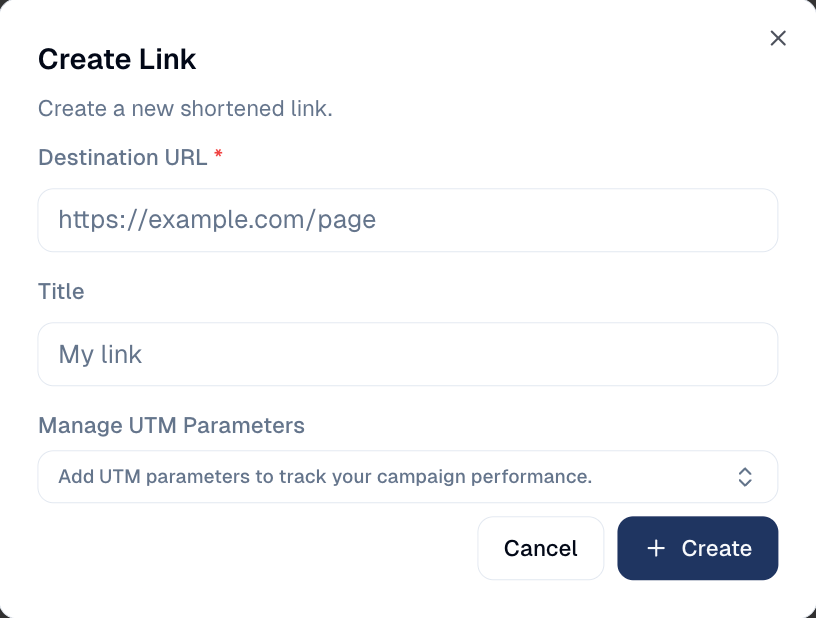
- Choose + New Link.
- Paste the address under Destination URL and give the link a Title.
-
Optionally, open Manage UTM Parameters to tag the campaign, source and medium. Final URL Preview shows the result.
-
Choose Create, then copy the short link and use it wherever you need.
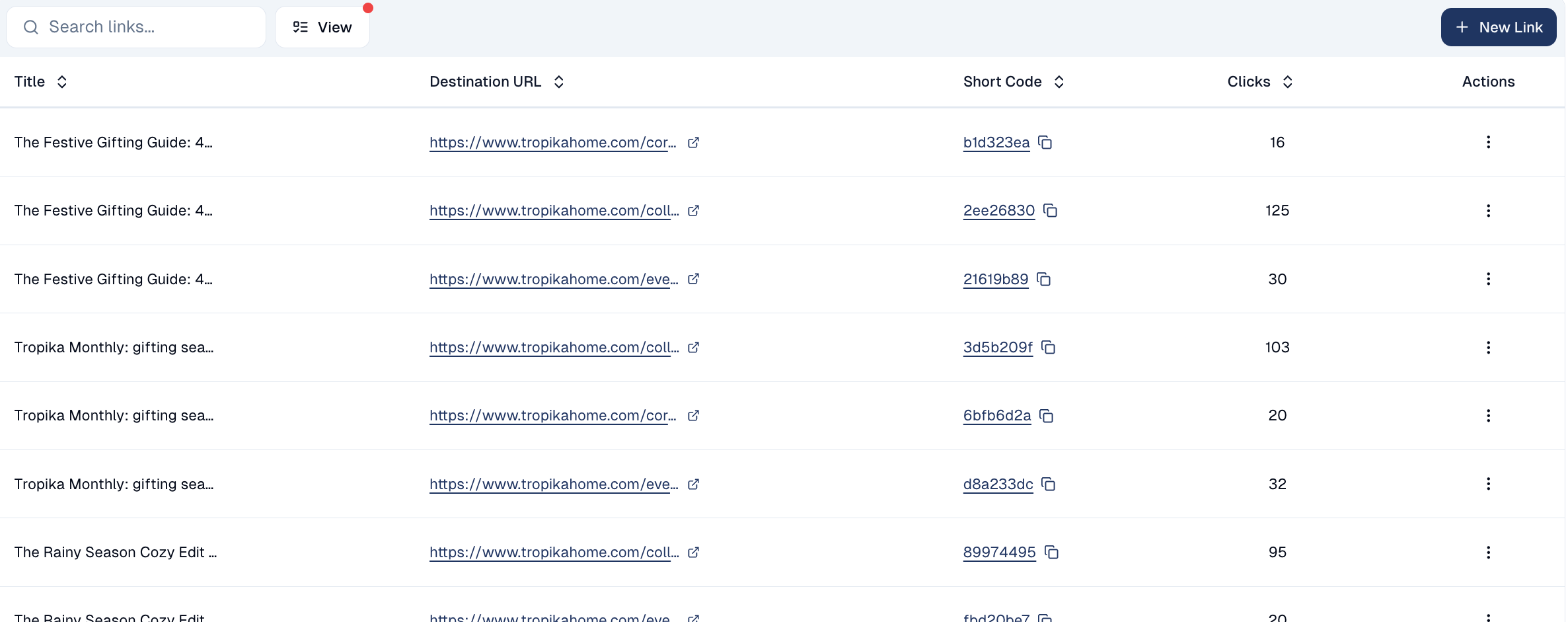
Every link you create appears in the list with its short code and click count. Choose the copy icon next to a Short Code to copy the link.
Finding a link later
Use Search links... to find one by name or destination, and View to change which columns are shown.
A link's menu
The menu at the end of each row offers:
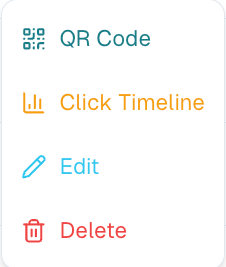
- QR Code: a QR code for the short link, to print on a flyer or in a store.
- Click Timeline: the link's clicks day by day.
- Edit: change the title, the destination or the UTM tags. The short code stays the same, so links already shared keep working.
- Delete.
Deleting a link breaks it everywhere
Once printed or posted, a short link cannot be taken back. Delete one only when it is no longer in circulation; to send people elsewhere, Edit its destination instead.
Where shortened links are used
Beyond links you create by hand, the shortener is used elsewhere in the platform:
- The QR Code Generator uses it when you enable Track URL.
- Links in emails can be tracked the same way, which is what click reporting is built on.
Good to know
- Name links so you recognise them. Q4 flyer, Orchard Road beats a row of identical-looking codes.
- One link per placement. Using a separate link for the flyer and the poster tells you which one worked. Reusing one link for both tells you nothing.
Still stuck? Contact support.